Conflicts
Understanding conflicts
There are 2 types of conflicts:
The most common conflict when 2 resources using the same file.
For example: You have [resource_01] with a file called "x.ymap" and [resource_02] with the same file called "x.ymap".
If you have [resource_01] and [resource_02] started in your server.cfg only one "x.ymap" will start, so you won't see the other "x.ymap" file content.
[resource_01] started in server.cfg with "x.ymap" in the resource.
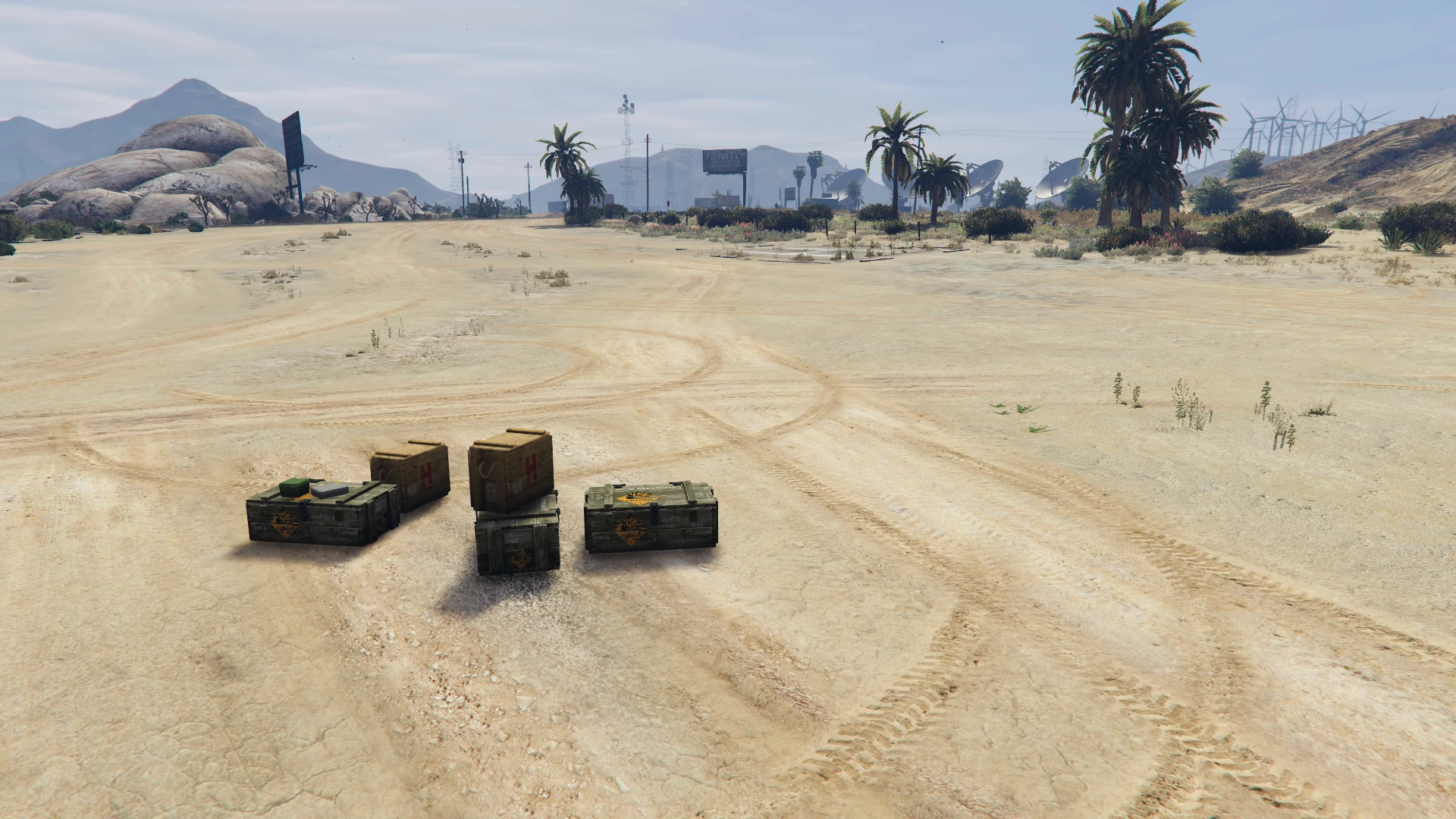
[resource_02] started in server.cfg with "x.ymap" in the resource.
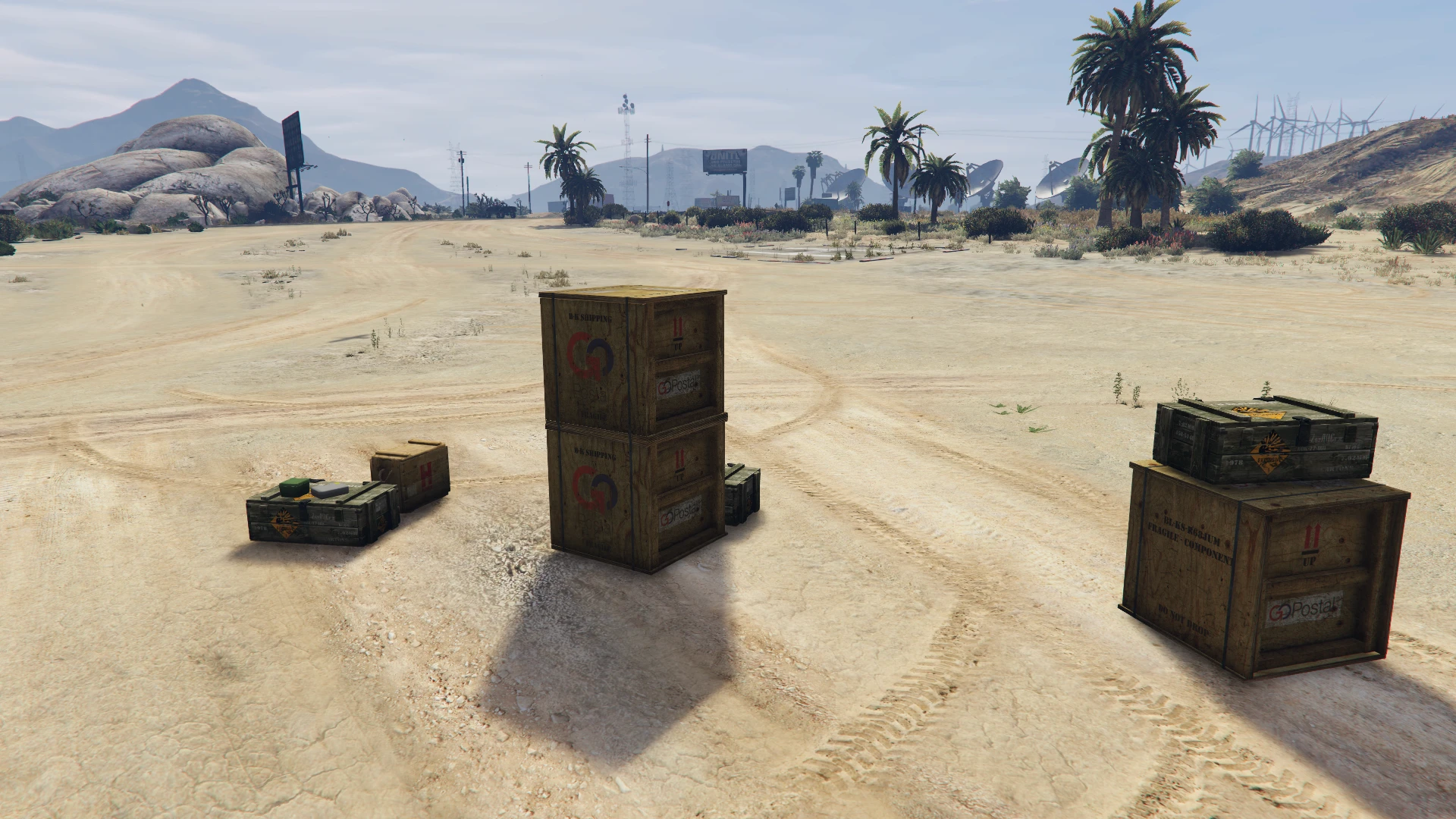
[resource_01] + [resource_02] started in server.cfg with "x.ymap" in the resources.
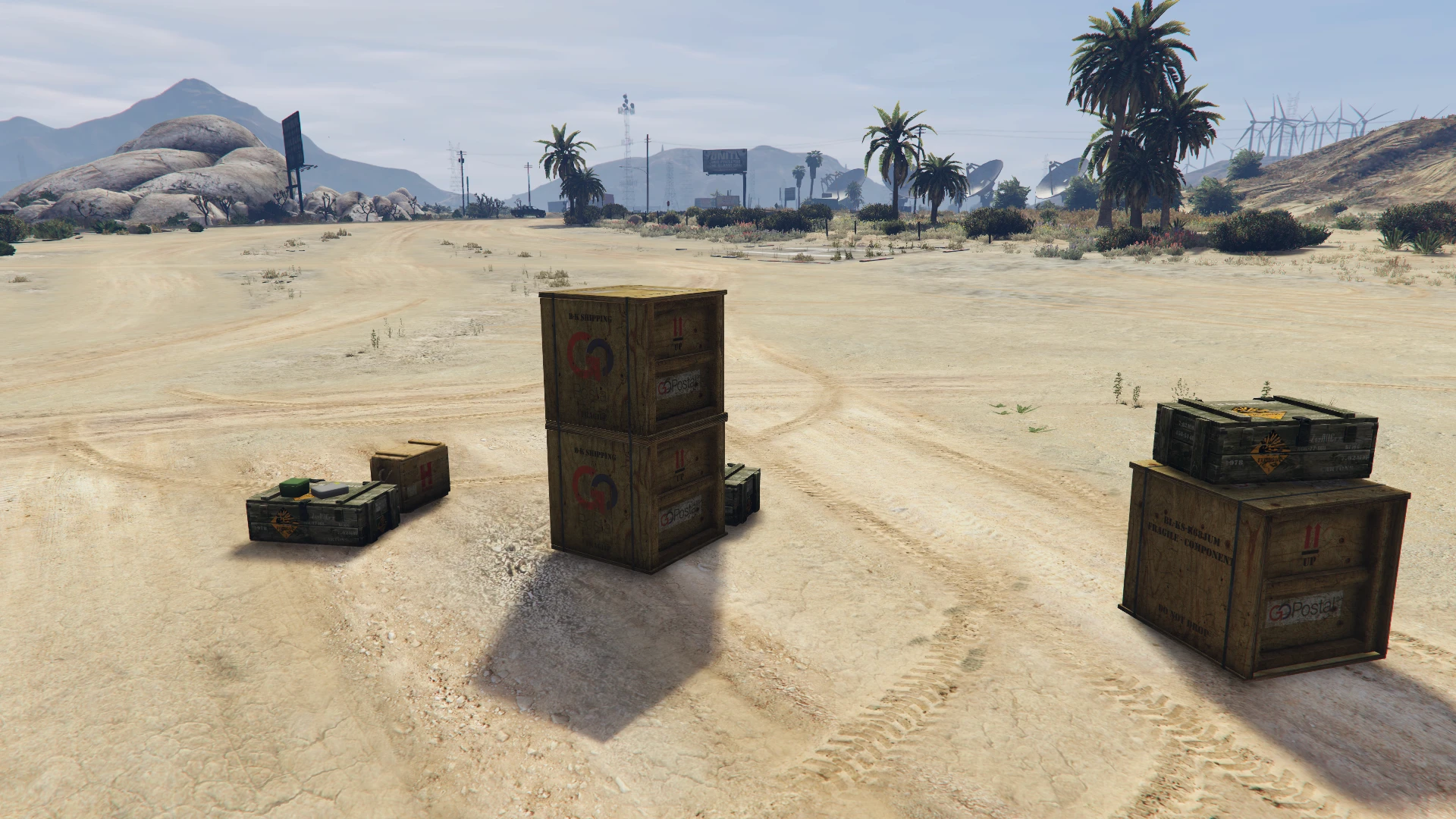
As you can see, only the content of [resource_02] is visible. So only one "x.ymap" is streamed to the server, in this case: the [resource_02] one.
More examples from our Aldore Hospital v2 map
In this cases, other resources also use the same base game files.
Lodlights conflicting: vw_distlodlights_medium012.ymap | vw_lodlights_medium012.ymap | vw_distlodlights_medium015.ymap | vw_lodlights_medium015.ymap
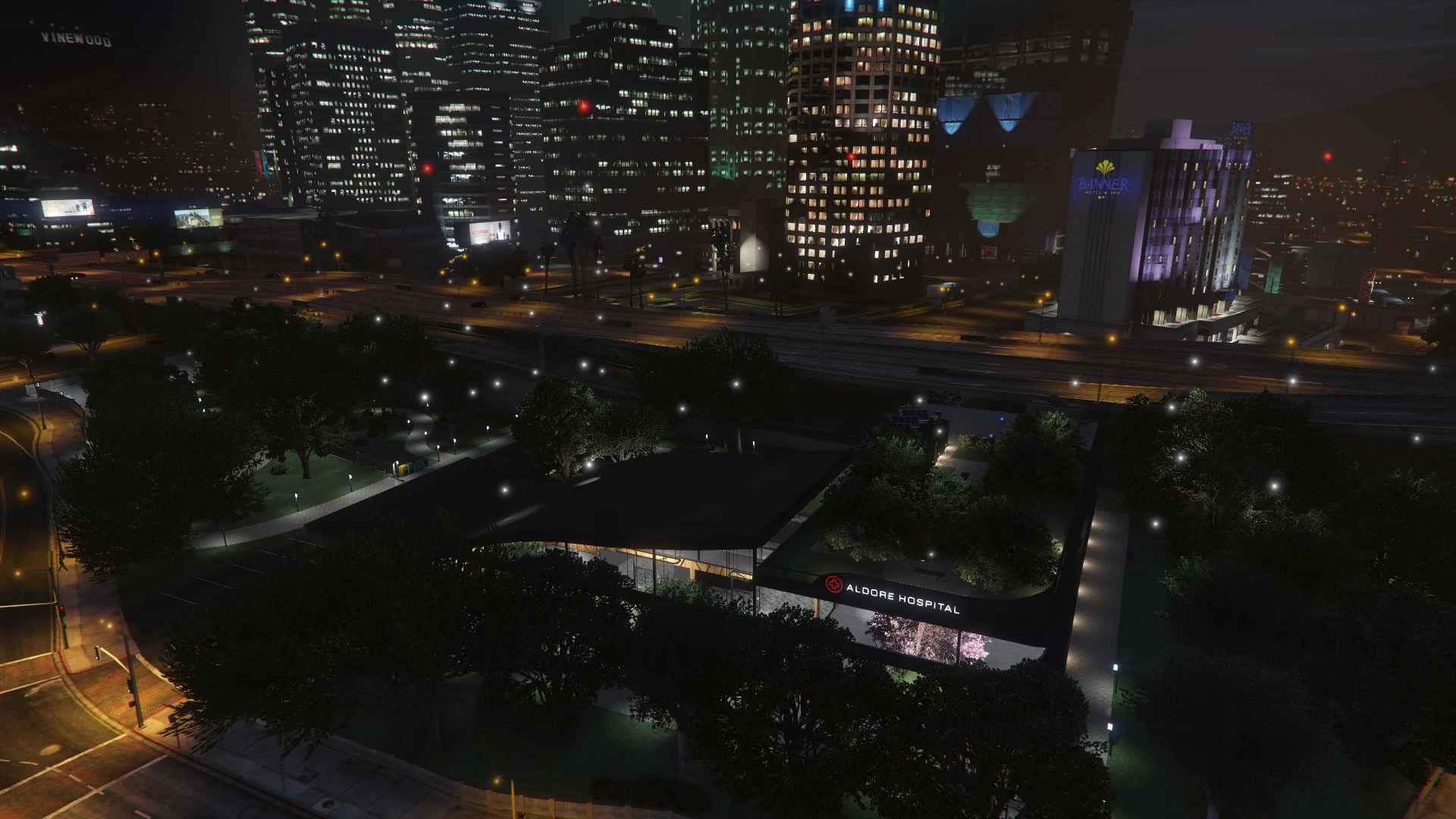
2. One basic ymap conflicting: hei_kt1_rd_long_1.ymap
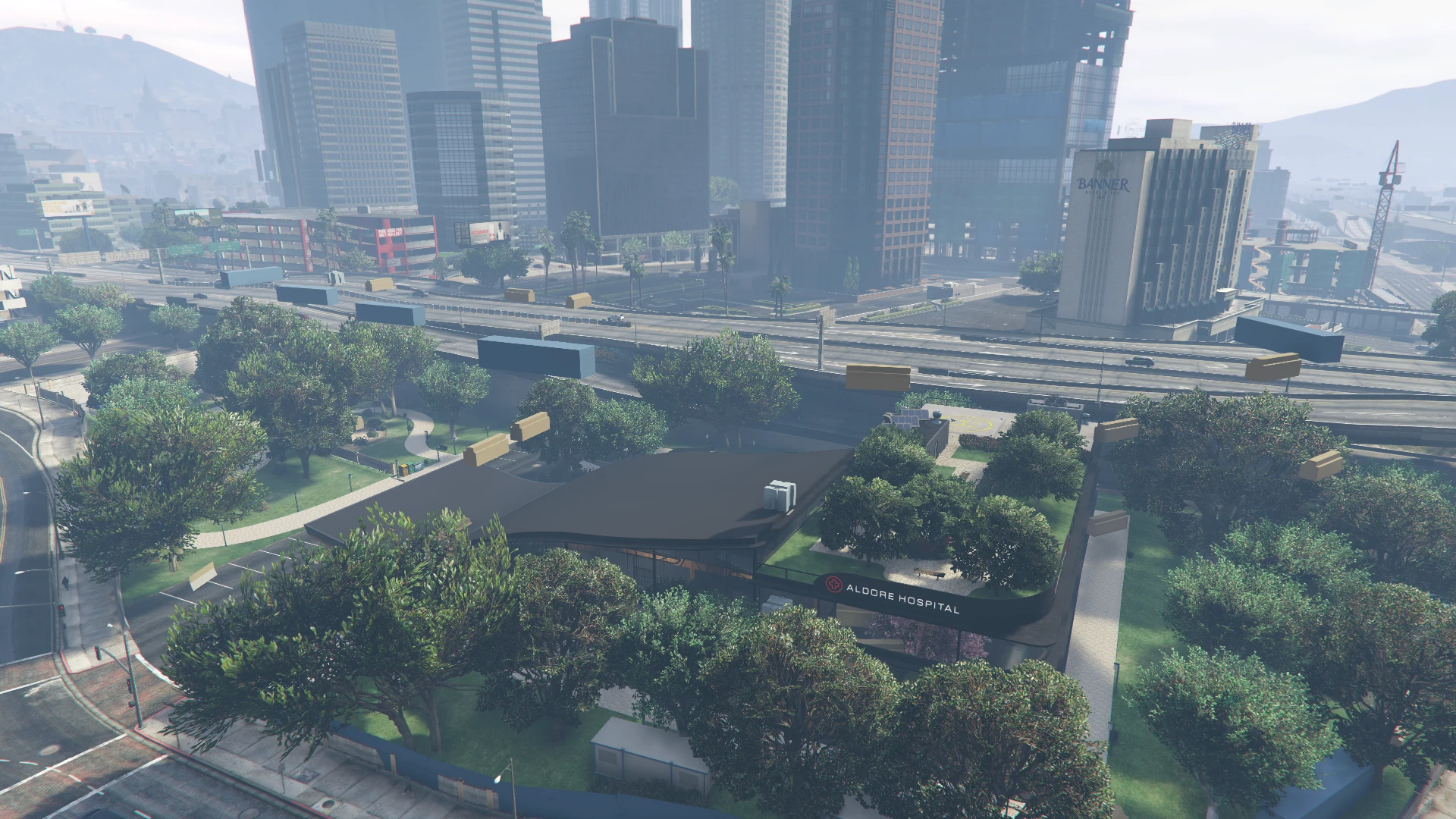
The other case is when there are no duplicate files in the resources folder, but two maps are very close to each other and there are files that may affect the other map.
Jan 27, 2026